
CREATIVE BUILDERS
Build something brilliant
Sketch your next house, generate a plan from an idea, turn an image into blocks, or design a banner for your base.
Create more, build faster, and play smarter with the web's best free Minecraft generators, calculators, and AI tools.
Builders plan floor plans, survival players run the numbers, redstone engineers time their circuits and server admins keep worlds running — all from one place, right in the browser.
See what's insideOpen one, get your answer in seconds — no download, no signup.
Building, survival, redstone and server admin.
From banners and beacons to schematics and villager trades.
Enter your Overworld X and Z coordinates to find the matching Nether position. Divide by eight for the shortcut; the portal's Y level is up to you.
Open the full portal calculatorBuild, explore, automate or run a server. Start wherever your world takes you.
Sketch your next house, generate a plan from an idea, turn an image into blocks, or design a banner for your base.
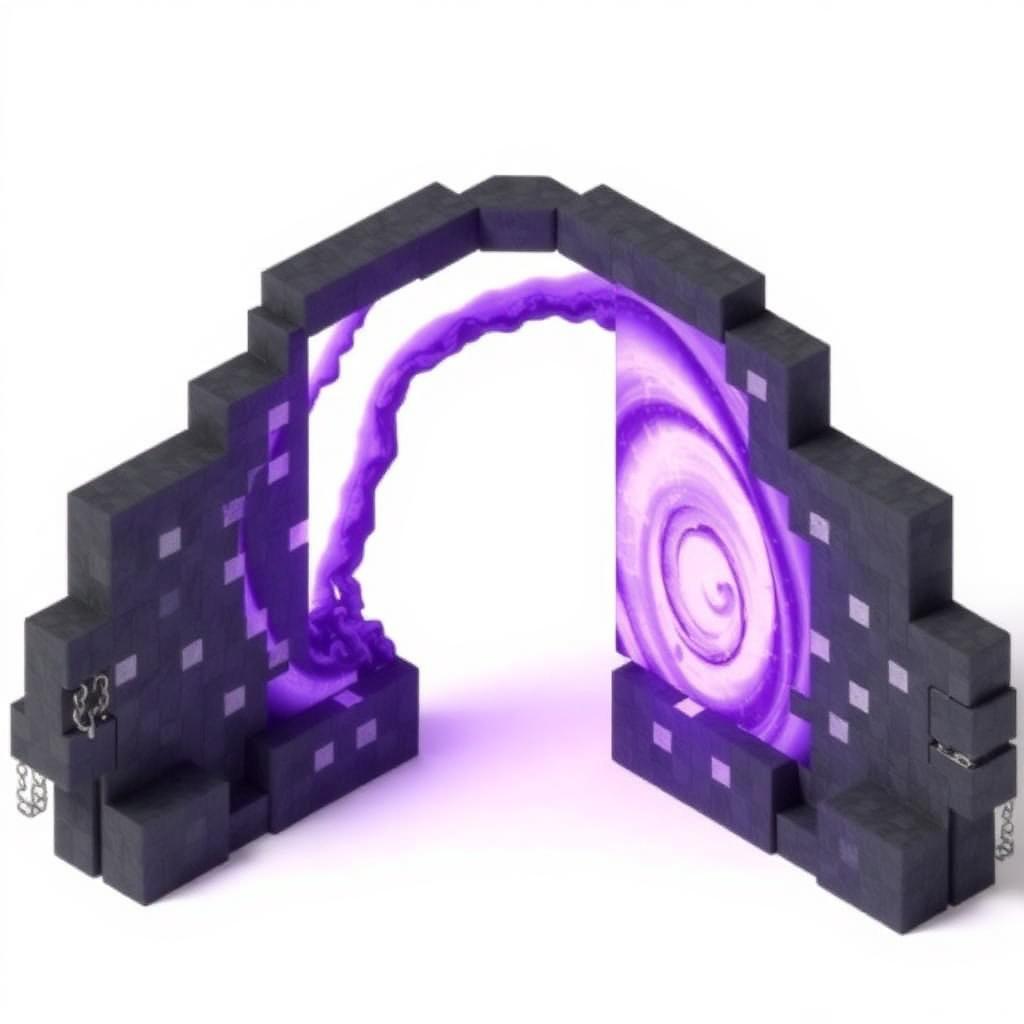
Find your way through the Nether, choose compatible enchantments, plan a beacon and learn the trades behind every profession.

Time repeater chains, estimate mob drops, design item sorters and work out whether your next farm is worth the materials.
Inspect a schematic, write better commands and configure a server without losing track of the details.
A quick way into the tools that fit your world.
Browse generators, calculators and AI utilities — open any tool with one click.
Tweak colors, patterns and layers with instant feedback — no signup required.
Download PNGs, copy /give commands and share short URLs in seconds.
Every tool opens instantly, works on your phone and covers both Java and Bedrock — so the answer is always one click away, in game or out.
Every tool runs instantly in your browser — nothing to install.
Designs, codes and commands work for both editions of Minecraft.
Touch-optimized layouts so you can create on phone or tablet.
Answers appear as you type — no waiting, no loading screens.
The tools players open first — from branding a server with banners to planning your next enchanting setup.
Know what you need? Jump straight to it — every category has its own set of tools.
Server owners, mapmakers, redstoners and streamers use MineBuildr to ship faster.
"MineBuildr made our server brand. We designed every banner and shield in an afternoon and the /give commands just worked."
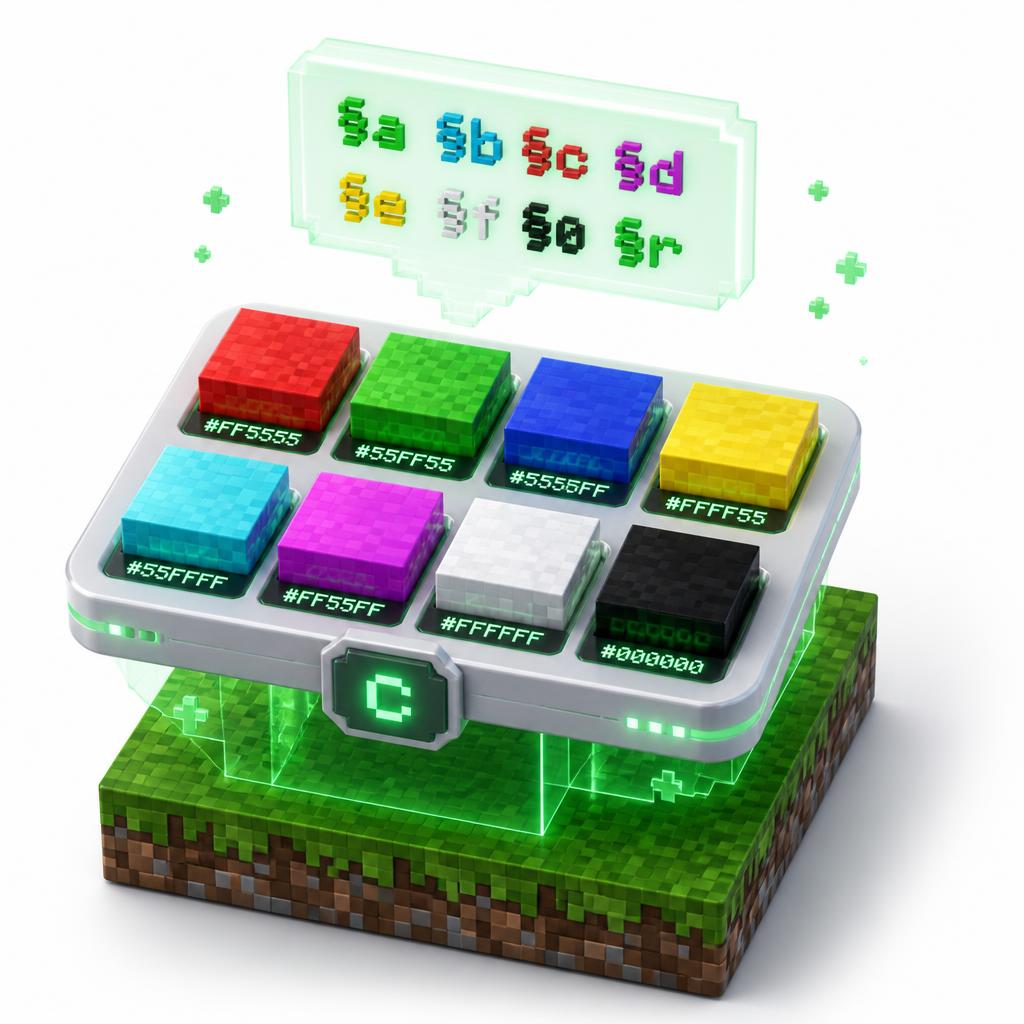
"The color code reference saved me weeks. Every motd, sign and book is now exactly the color I imagined."
"It feels like a real product, not a fan tool. Smooth, fast, and the shields look incredible on stream."
Eighteen of the most-loved tools, one click each — or search the whole collection.
Once the basics are covered — generate a castle, automate your storage, find a stronghold, or talk your way to the perfect command.
Step-by-step Minecraft guides written to pair with the tools — brewing charts, diamond levels, crafter setups and more.
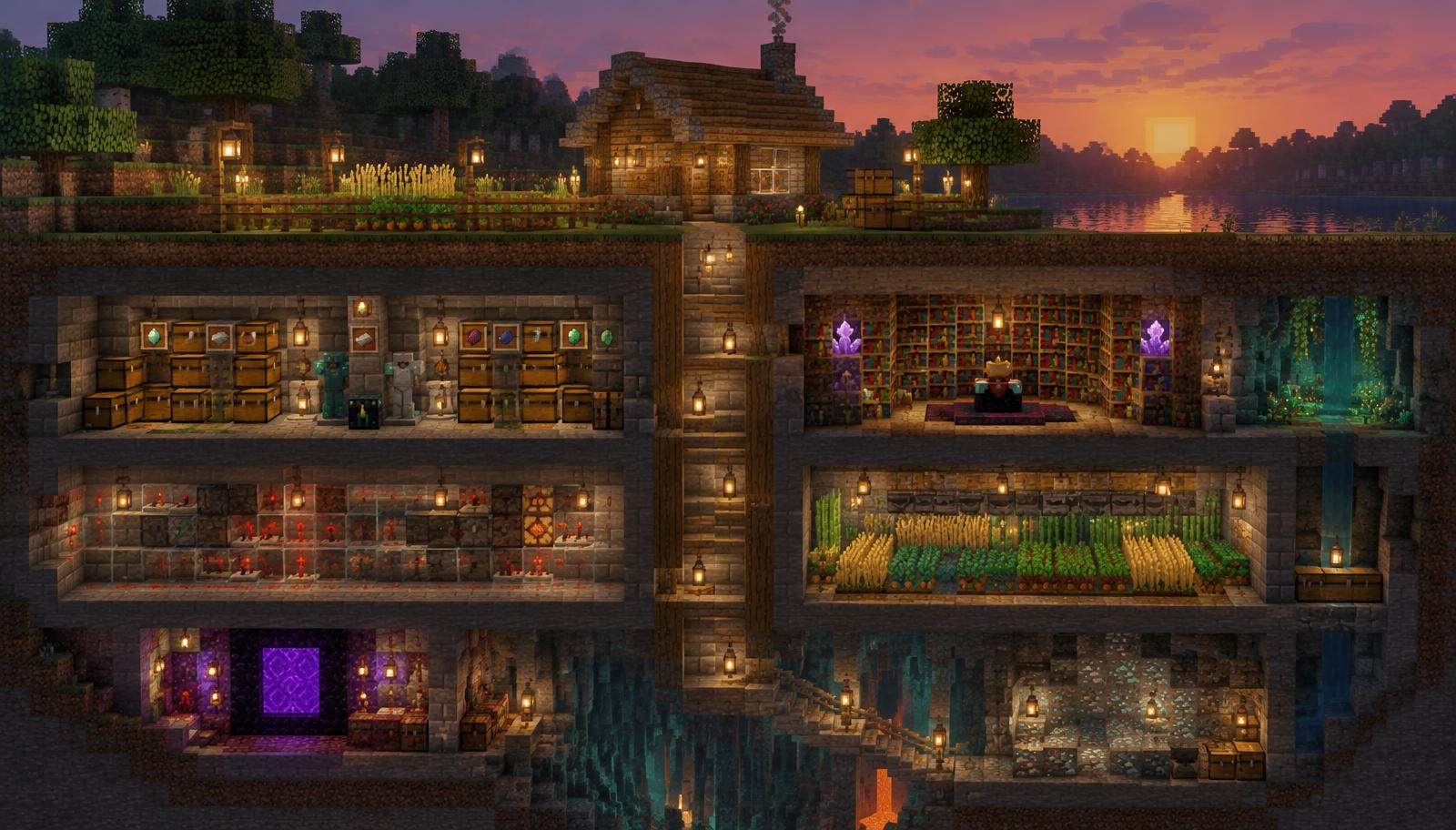
15 secret Minecraft base ideas where the surface build looks ordinary but a hidden underground base waits below: hidden entrances, layouts, security tips and redstone doors for Java and Bedrock.
Read article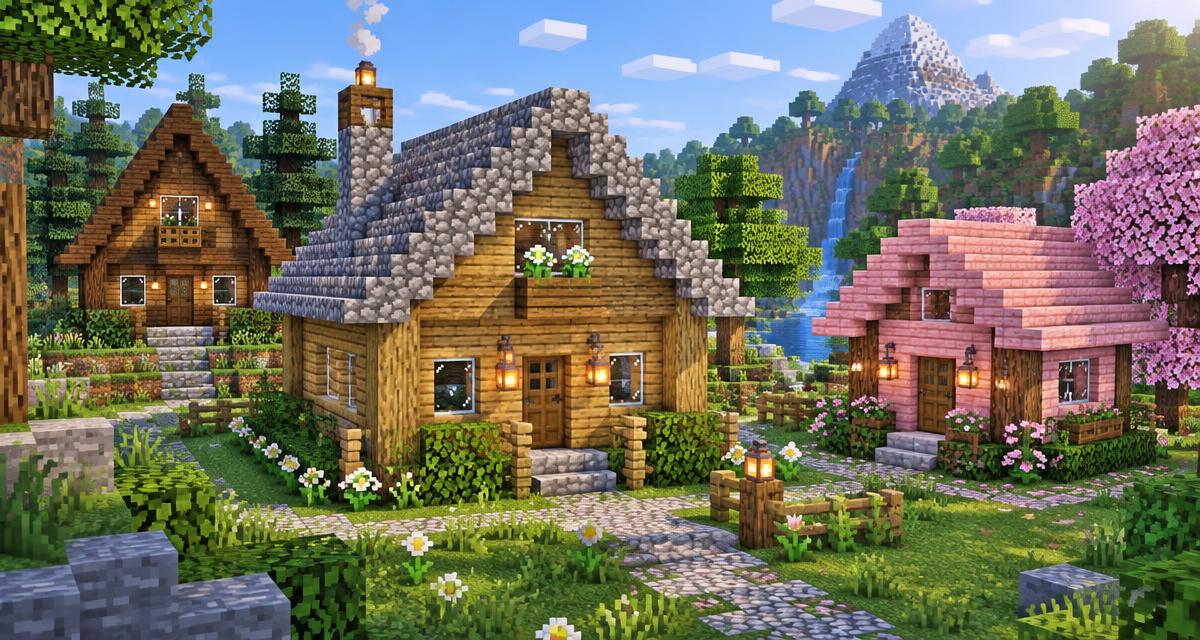
Discover 25 easy Minecraft house ideas with block dimensions, beginner-friendly palettes, build steps, room layouts and survival tips for Java and Bedrock.
Read article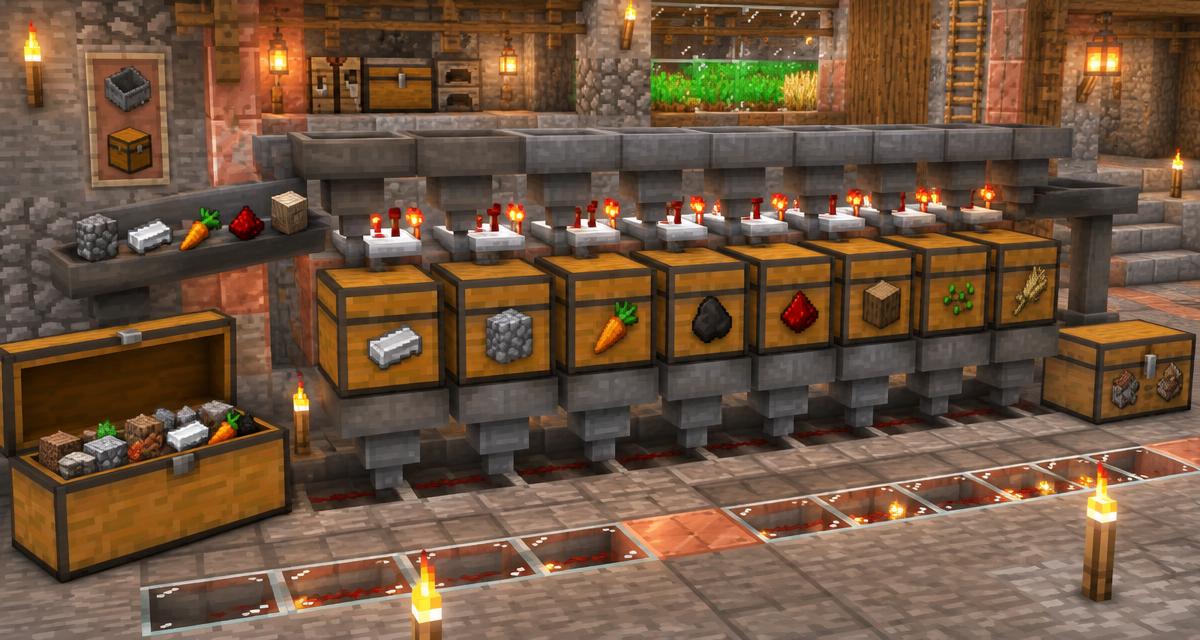
Build a reliable Minecraft item sorter with hoppers, a comparator and the 41-item filter. Learn how to add storage rows, protect against overflow and fix items going to the wrong chest.
Read articleEverything you need to know about MineBuildr — clear, honest answers.
MineBuildr is a free hub of browser-based Minecraft tools: banner and shield generators, color code references, beacon, XP, brewing and enchanting calculators, farm and build planners, seed and structure finders, and AI-assisted build generators. Everything runs in your browser — nothing to download, install or mod.
Survival and creative players, server owners and admins, map makers, redstone engineers, builders and content creators. If you plan builds, brand a server or optimise farms, the tools save hours of manual maths and trial-and-error.
Yes. Every tool in the directory is free to use with no signup required. An optional Premium plan at $9/mo adds members-only planners and optimizers, priority AI generations, saved projects, templates and HD exports.
Most alternatives are single-purpose pages or heavy desktop apps. MineBuildr keeps 50+ tools in one consistent, mobile-friendly interface, covers Java and Bedrock, works offline-fast in the browser, and lets you copy commands, download PNGs or share results from every tool.
Both. Banner and shield designs, color codes, commands and calculators are built to work with Minecraft Java and Bedrock wherever the feature exists in that edition.
No account is needed for the free tools — presets save locally in your browser. If you create a free account or subscribe to Premium, you can also save projects to your Workshop dashboard.
Yes — you own what you create with MineBuildr. MineBuildr is an independent fan project and is not affiliated with Mojang or Microsoft. Minecraft is a trademark of Mojang AB.
One short email when a new Minecraft tool or guide ships — before it hits the blog. Join thousands of builders who find out early.
By subscribing you agree to receive occasional product and tool-update emails from MineBuildr and accept our Privacy Policy and Terms. No spam, ever — every email includes a one-click unsubscribe link, and you can unsubscribe at any time. The newsletter is intended for ages 13 and up; if you are under 18, please ask a parent or guardian first.